June 25, 2026
How to Run a Pub Quiz on a Screen
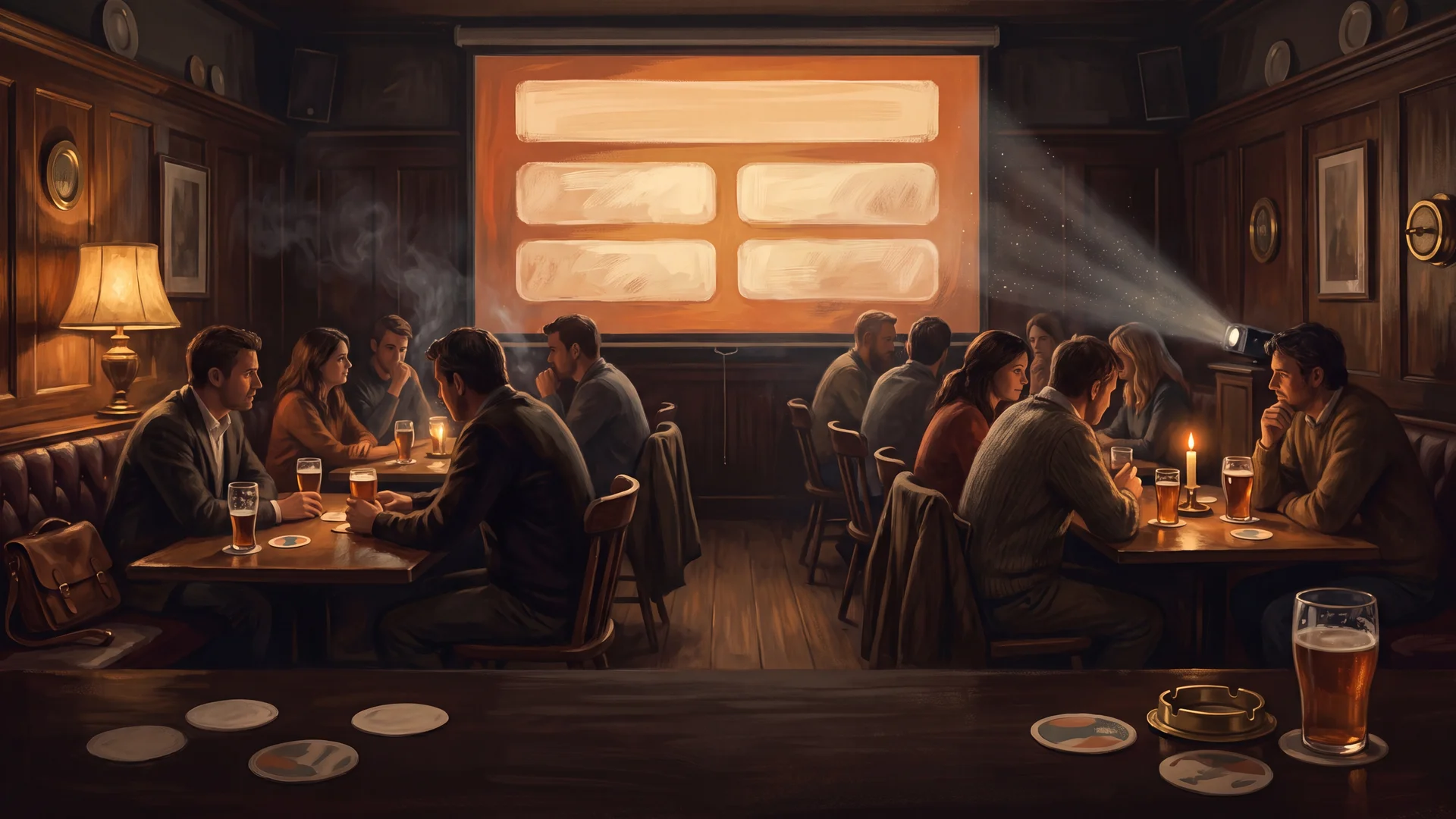
There's a moment, the first time you put your quiz up on a big screen, when the whole room shifts. People stop straining to catch every word, they settle in, and the night suddenly feels like an event rather than someone reading off a clipboard. A screen does that. It's the single biggest upgrade you can make to the feel of a quiz night - bigger than a better microphone, bigger than fancier prizes.
This guide is about doing it well: what belongs on the screen and what absolutely doesn't, the gear you actually need, and how to keep the whole thing from falling apart when the pub wifi inevitably drops. And because building a deck by hand is its own evening-eating chore, I'll show you how RoundKit now does it for you.
Why put the quiz on a screen at all
Paper isn't going anywhere - teams still answer on printed cards, and you still keep a host sheet in front of you. The screen does a different job: it carries the question to the back of the room, sets the pace, and gives everyone a shared focal point. Three concrete wins:
- Nobody mishears. "Was that fifteen or fifty?" disappears when the number is up on the wall. Fewer repeats, fewer disputes, a smoother night.
- It sets the rhythm. A question on screen with the options visible tells the room exactly where you are. Teams read at their own speed while you catch your breath.
- It looks the part. A clean, branded slide reads as "this is a proper night out", which matters enormously if you're a venue trying to fill a quiet midweek slot.
Projector or TV?
Both work; it comes down to your room. A TV (40 inches and up) is plug-and-play, sharp, and bright enough to fight the pub's lighting - ideal for a smaller room where everyone has a sightline. A projector wins on sheer size for a bigger space, but it needs the lights down a little and a clear wall or screen. If you go projector, test it in the actual room before the doors open: a beautiful slide is useless if the bar lights wash it out.
Whichever you use, the connection is the quiet hero. Carry an HDMI cable and whatever adapter your laptop needs - the number of quiz nights that start ten minutes late because of a missing USB-C-to-HDMI dongle is genuinely tragic. There's more on the full kit in what you need for a pub quiz.
What to put on the screen - and what to keep off
This is where most home-made decks go wrong. The screen is a stage, not a document. Rules that keep it readable from the back table:
- One question per slide, big. If you're squinting on your laptop, the back row has no chance. Large type, plenty of contrast, nothing crammed.
- Show the options, not the answer. For multiple-choice, put A-D on screen so teams can read along. Reveal the correct one only when you're marking - never before.
- Keep the answer off-screen until the reveal. Sounds obvious, but a deck that shows the answer on the same slide is a disaster waiting for one mistimed click.
- Don't put everything up. Team names, running totals, your own notes - those stay on your host sheet or the scoreboard, not on the main screen mid-round.
A picture round is the one case where the screen really shows off - the image is the question. If that's your thing, the picture round guide covers sourcing and layout.
Read it aloud anyway
The screen supports you; it doesn't replace you. Read every question out loud even though it's up on the wall. People process differently - some catch it by ear, some by eye - and your voice carries the energy that a static slide can't. The best hosts use the screen as a backdrop and stay the heartbeat of the room. More on that in how to be a good quizmaster.
The thing that ruins screen quizzes: relying on the internet
Here's the trap. You build a lovely deck in some online tool, you get to the pub, and the wifi is a single bar behind the bar. Now your whole night hinges on a connection you don't control. Browser-based quiz platforms that need to be online are a genuine risk in a venue.
The fix is simple: everything should run offline. Your slides should live on your laptop and open without a connection - no login, no buffering, no "reconnecting…" spinner in front of forty people. Download the deck before you leave home, double-click, done.
Let RoundKit build the deck for you
Designing slides by hand - sizing type, laying out options, keeping the answer hidden until the right click - is real work, and it's the same work every single week. So we built it into RoundKit.
When you create a quiz, you can now include a screen presentation: a polished slide deck of your exact quiz, generated automatically alongside the printable PDFs. It's built to do everything above by default:
- One question per slide, large and readable, with the A-D options laid out cleanly and the correct answer revealed only on a click.
- A presenter view (press S) that shows you the answer, your notes and the next slide on your laptop, while the projector shows the quiz - so you're never caught out.
- Fully offline. The deck is a self-contained folder - double-click to open it in any browser, no app, no login, no wifi. Connect to the projector, press F for full screen, and you're running.
- Your night, your length. However many rounds and questions you chose, the deck matches - and long questions scale to fit the slide automatically, so nothing ever spills off the screen.
The screen presentation comes with the Host and Pro plans, inside the same kit as your host sheet, team answer cards and scoring table. Want to see it before you commit? There's a live demo deck on the homepage and in the free pack - click through it exactly as your teams would see it.
FAQ
Do I need a projector, or will a TV do?
A TV (40 inches or larger) is perfect for most pub rooms - sharp, bright and plug-and-play. Use a projector for bigger spaces, but dim the lights and test it in the room first.
Should I still read questions aloud if they're on the screen?
Yes. Read every question out even when it's displayed. Some people take it in by ear, some by eye, and your voice carries the energy a static slide can't.
Do screen quizzes need an internet connection?
They shouldn't. Anything that needs to stay online is a risk in a venue with weak wifi. Use a deck that runs offline from your laptop - download it before you go, double-click, and it just works.
Can I show the answers on screen?
Show the options during the question, but keep the correct answer hidden until you're marking. A good deck reveals it on a click, so you control the timing.
Put your quiz on the big screen tonight
You don't need design skills or a spare evening. Build your quiz in RoundKit - free, in five minutes - and on Host or Pro it comes with a ready-to-present screen deck alongside the printable pack. Head to the builder and have a proper, screen-ready quiz night sorted before your coffee goes cold.